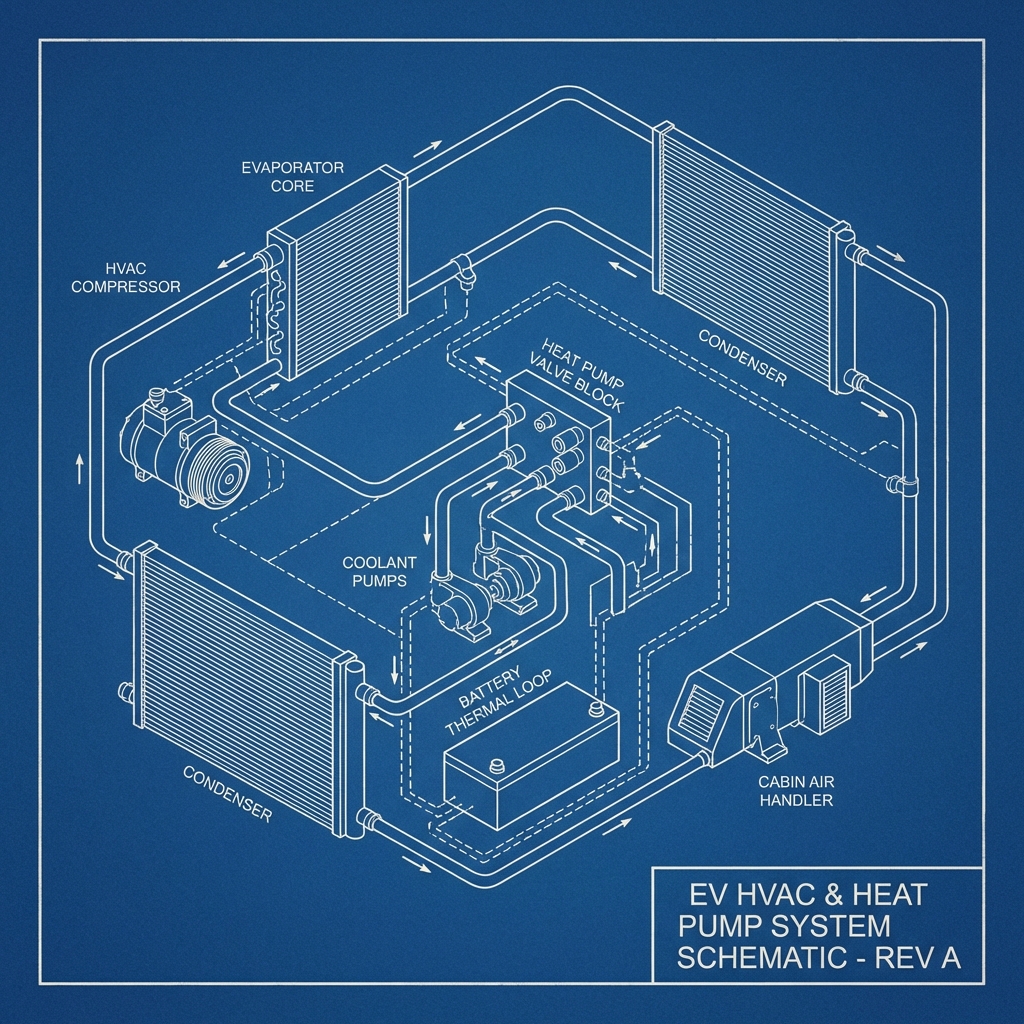
The Science of PTC Heater Failure in Las Vegas
The PTC (Positive Temperature Coefficient) heater in your Tesla Model Y is a critical component that warms the cabin and defrosts windows without relying on a traditional engine’s heat. In Las Vegas’s extreme 104°F climate, thermal stress on electrical systems can accelerate wear on the PTC heater, especially with rapid temperature swings between day and night.
This heater operates using high-voltage electricity from the main battery, managed by the onboard charger and dc-dc converter, which steps down power for the 12v battery and accessories. When overworked by constant stop-and-go traffic on the Las Vegas Strip, these systems can fail, leading to EV no heat issues that compromise comfort and safety.
Dust and debris from the desert environment in areas like Henderson can also infiltrate the HVAC system, clogging the heater assembly. This reduces efficiency and forces the unit to draw more power, risking PTC heater failure. Regular maintenance is key to avoiding costly repairs.
Common Symptoms of Failure
Recognizing the signs of PTC heater failure in your Tesla Model Y can save you from bigger issues down the road. Here are the most common symptoms reported by drivers facing EV no heat problems.
- No warm air from vents, even when the heater is set to maximum, indicating a complete PTC heater shutdown.
- Intermittent heating or weak airflow, often paired with a burning smell from overworked components.
- Error messages on the touchscreen, such as ‘Climate Control System Unavailable,’ pointing to a thermal management fault.
- Unusual humming or buzzing noises from the front of the vehicle, signaling electrical stress in the heater assembly.
If you notice these issues, don’t delay—driving without heat in sudden cold snaps can lead to visibility risks from frosted windows. Schedule a PTC heater replacement with a trusted Las Vegas technician.
Diagnostic Steps: DIY vs Professional
Diagnosing PTC heater failure starts with basic checks you can do at home. Check the Tesla Model Y touchscreen for error codes related to the climate system and listen for unusual electrical noises near the front of the car.
However, DIY diagnostics have limits due to Tesla’s high-voltage systems. Attempting to access the PTC heater without proper tools risks personal injury and further damage, making professional diagnosis the safer choice in Las Vegas.
Certified technicians use Tesla-specific software to read detailed fault logs from the thermal management system. They also test the dc-dc converter and 12v battery health to rule out related failures, ensuring an accurate repair plan.
OEM vs Aftermarket Parts for Tesla Model Y
When replacing a failed PTC heater, choosing between OEM (Original Equipment Manufacturer) and aftermarket parts is critical. OEM parts, sourced directly from Tesla, guarantee compatibility with your Model Y’s firmware updates and thermal systems.
Aftermarket options may be cheaper, but they often lack the same quality assurance and can trigger error codes or reduced performance. For Las Vegas drivers facing extreme weather, investing in OEM parts ensures long-term reliability during sudden temperature drops.
Be aware that using non-OEM parts might void certain warranty protections. Always consult with a certified repair shop in areas like Summerlin to confirm the best choice for your PTC heater replacement.
Future Prevention Tips
Preventing PTC heater failure starts with regular maintenance tailored to Las Vegas’s harsh desert climate. Schedule annual HVAC system checks to clean dust and debris that could clog the heater assembly, reducing strain on the unit.
Avoid overusing the heater at maximum settings during peak heat days, as this stresses the dc-dc converter and onboard charger. Instead, use preconditioning features via the Tesla app to warm the cabin before driving.
Finally, monitor your 12v battery health, as a weak battery can destabilize power delivery to the heater. For safety concerns related to electrical failures, refer to resources on NHTSA.gov and Tesla’s official support page for updated guidelines.